
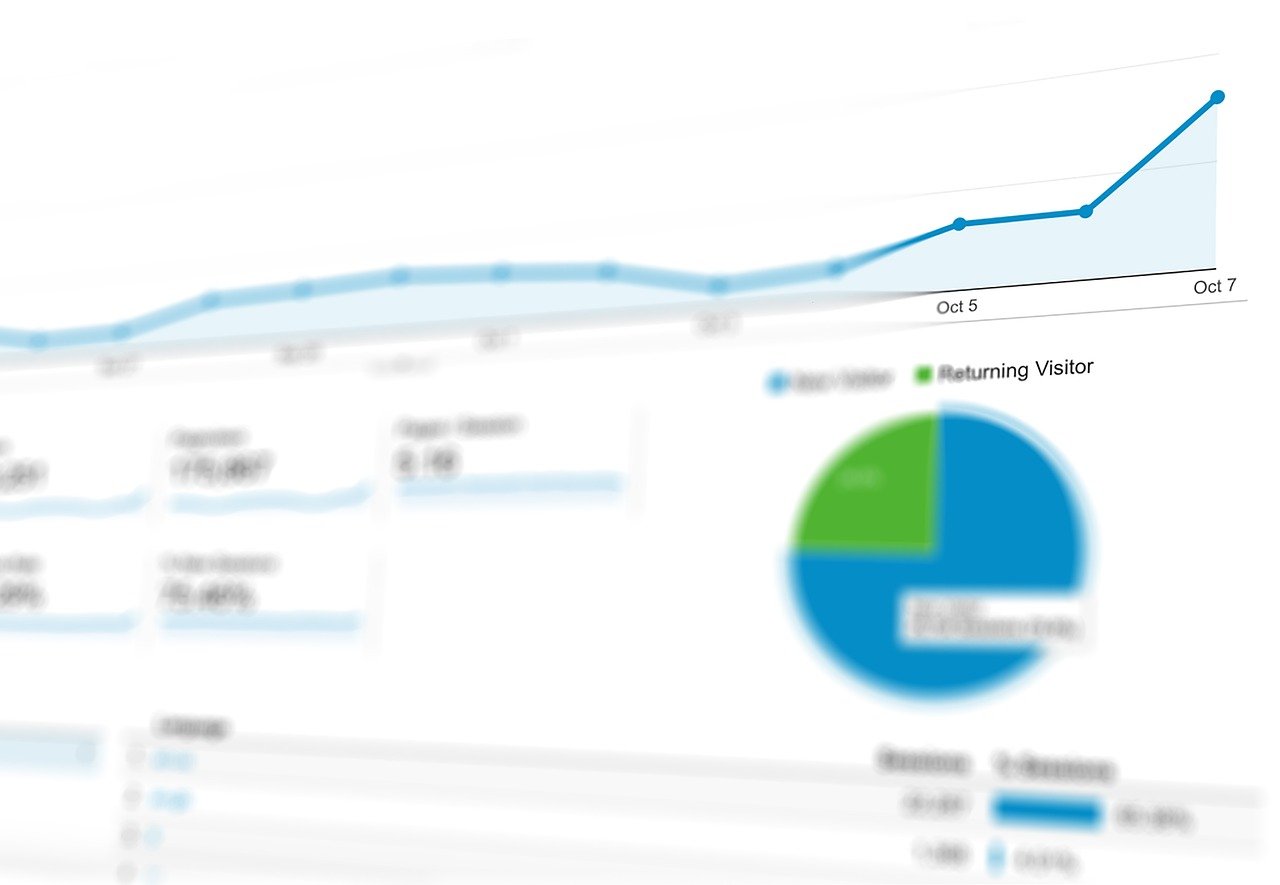
Data is the lifeblood of any successful business, and a Customer Relationship Management (CRM) system serves as the central nervous system for collecting and organizing that data. But simply having a CRM isn’t enough. You need to extract actionable insights from it, and that’s where CRM reporting comes in. By leveraging the power of CRM reporting, you can gain a deeper understanding of your customers, optimize your sales processes, improve marketing campaigns, and ultimately drive revenue growth.
The Importance of CRM Reporting
CRM reporting is the process of creating structured summaries of the data stored within your CRM system. These reports provide a clear, concise view of key performance indicators (KPIs) and other critical metrics, enabling businesses to make data-driven decisions.
Gaining a Holistic View of Your Business
- CRM reporting consolidates data from various departments – sales, marketing, customer service – into a single, unified view.
- This eliminates data silos and allows for a more comprehensive understanding of the customer journey.
- Example: A report combining sales data with customer service interactions can reveal patterns of churn and identify opportunities to improve customer satisfaction.
Identifying Trends and Opportunities
- Analyzing historical CRM data can uncover valuable trends in customer behavior, sales performance, and market dynamics.
- Identifying these trends enables businesses to proactively adapt their strategies and capitalize on emerging opportunities.
- Example: A marketing team might analyze CRM data to identify which lead sources are generating the highest-quality leads, allowing them to focus their efforts on the most effective channels.
Improving Decision-Making
- CRM reports provide objective data to support decision-making, reducing reliance on gut feelings or anecdotal evidence.
- By grounding decisions in data, businesses can make more informed choices that are aligned with their goals.
- Example: A sales manager can use CRM reports to track individual sales performance, identify areas for improvement, and provide targeted coaching.
Types of CRM Reports
The types of CRM reports you can generate are vast and depend on your specific business needs. However, some common and crucial report categories include:
Sales Reports
- Sales Pipeline Reports: Track deals as they move through the sales process, highlighting potential bottlenecks and forecasting revenue. Example: A “Deals by Stage” report can show the number and value of deals in each stage of the pipeline, allowing sales managers to identify areas where deals are getting stuck.
- Sales Performance Reports: Measure the performance of individual sales representatives or teams against targets. Example: A “Sales Rep Performance” report can compare actual sales revenue against quota for each sales rep, providing insights into individual strengths and weaknesses.
- Lead Conversion Reports: Analyze the effectiveness of lead generation efforts, identifying which sources are generating the most qualified leads and driving conversions. Example: A “Lead Source Report” can track the number of leads generated from different sources (e.g., website, social media, email campaigns) and their conversion rates.
Marketing Reports
- Campaign Performance Reports: Evaluate the effectiveness of marketing campaigns in terms of lead generation, engagement, and conversions. Example: An “Email Campaign Report” can track open rates, click-through rates, and conversion rates for specific email campaigns, allowing marketers to optimize their messaging and targeting.
- Website Analytics Reports: Track website traffic, user behavior, and lead generation activities on your website. Example: A “Landing Page Report” can analyze the performance of specific landing pages in terms of traffic, conversion rates, and bounce rates.
- Customer Segmentation Reports: Segment customers based on demographics, purchase history, and other criteria to personalize marketing messages and improve targeting. Example: A “Customer Segmentation Report” can segment customers by industry, company size, or purchase frequency.
Customer Service Reports
- Case Resolution Reports: Track the number of customer service cases opened, resolved, and pending resolution, highlighting potential bottlenecks in the support process. Example: A “Case Resolution Time Report” can track the average time it takes to resolve customer service cases, identifying areas where efficiency can be improved.
- Customer Satisfaction Reports: Measure customer satisfaction levels through surveys, feedback forms, and other methods. Example: A “Customer Satisfaction Score (CSAT) Report” can track CSAT scores over time, providing insights into the overall customer experience.
- Common Issue Reports: Identify the most common customer service issues to proactively address them and prevent future issues. Example: A “Top Issue Report” can track the frequency of different types of customer service requests, allowing businesses to identify recurring problems and implement solutions.
Creating Effective CRM Reports
Creating insightful and actionable CRM reports requires a strategic approach. Here are some key steps to follow:
Define Your Objectives
- Before creating any report, clearly define what you want to achieve. What questions are you trying to answer? What insights are you hoping to gain?
- Align your reporting objectives with your overall business goals.
- Example: Instead of just generating a “Sales Report,” define the objective as “Identify the top-performing products in Q3 to optimize inventory and marketing efforts.”
Select the Right Metrics
- Choose KPIs and metrics that are relevant to your objectives and provide meaningful insights.
- Focus on metrics that are actionable and can be used to drive improvements.
- Example: Instead of tracking “Website Traffic,” track “Conversion Rate from Website Leads” to measure the effectiveness of your website in generating leads.
Customize Your Reports
- Most CRM systems offer a variety of customization options, allowing you to tailor reports to your specific needs.
- Filter, group, and sort data to create a clear and concise view of the information you need.
- Example: Filter a “Sales Pipeline Report” to show only deals for a specific product or industry.
Automate Reporting
- Set up automated reports to be generated on a regular basis, saving time and ensuring that you have access to the latest data.
- Schedule reports to be delivered directly to relevant stakeholders.
- Example: Schedule a weekly “Sales Performance Report” to be sent to the sales manager.
Best Practices for CRM Reporting
Following these best practices will ensure your CRM reporting is effective and drives tangible results.
Data Quality is King
- Ensure that your CRM data is accurate, complete, and consistent.
- Implement data validation rules and regular data cleansing procedures.
- Example: Require all sales representatives to enter complete contact information for leads.
Visualization Matters
- Use charts, graphs, and other visual aids to present data in a clear and easily understandable format.
- Choose the appropriate visualization for the type of data you are presenting.
- Example: Use a bar chart to compare sales performance across different regions.
Share and Collaborate
- Share CRM reports with relevant stakeholders to foster collaboration and alignment.
- Encourage feedback and discussion to identify new insights and opportunities.
- Example: Hold a monthly meeting to review sales reports and discuss strategies for improvement.
Continuous Improvement
- Regularly review your CRM reporting strategy to ensure that it is still aligned with your business objectives.
- Experiment with new reports and metrics to uncover hidden insights.
- Example: After launching a new marketing campaign, create a new report to track its performance.
Conclusion
CRM reporting is an essential component of any data-driven business strategy. By leveraging the power of CRM data, businesses can gain a deeper understanding of their customers, optimize their processes, and drive revenue growth. By following the principles and best practices outlined in this guide, you can create effective CRM reports that provide actionable insights and help your business achieve its goals. Don’t just collect data; use it to make smarter decisions and propel your business forward.


